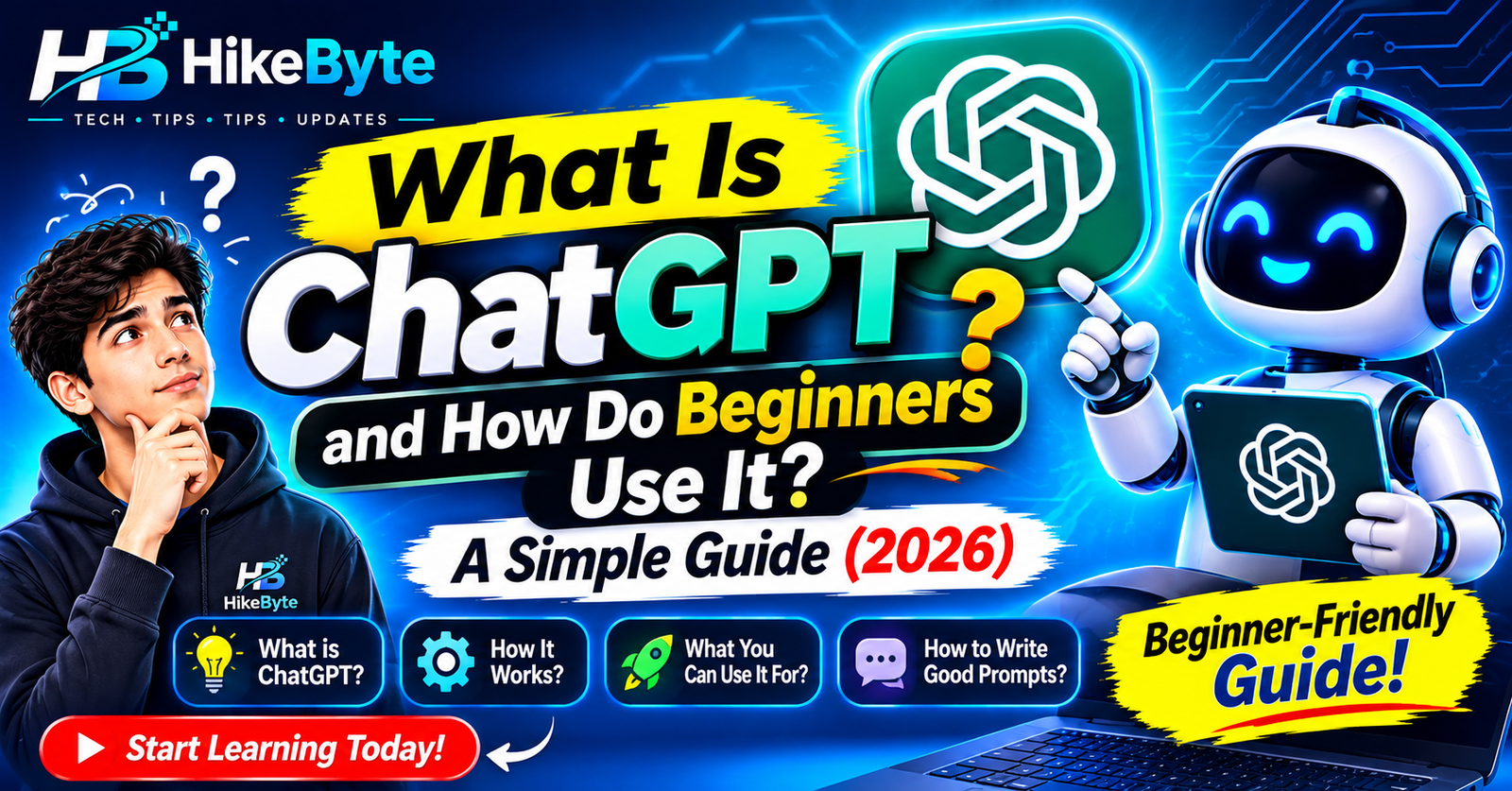
You have probably heard people talk about ChatGPT — at work, at school, or in the news. Some people say it can write anything. Others say you should not trust it at all.
So what is it, really? And how do you actually use it if you have never tried it before?
In this guide, we explain ChatGPT in simple words: what it is, how it works, what it is good at, what it is not good at, and how to get started in a few minutes.
What Is ChatGPT, in Simple Words?
ChatGPT is a chatbot — a computer program you talk to by typing, and which replies in normal, human-like language.
You ask it a question, or give it a task, and it answers in seconds. You can then reply to its answer, ask it to explain something differently, or ask a follow-up question, just like a conversation.
It is made by OpenAI, and it is one example of the artificial intelligence we explained in our earlier guide to AI. It does not have a body, a face, or feelings. It is software that runs in a website or an app.
Think of it as a very knowledgeable assistant that is always available — helpful for ideas and drafts, but not a person, and not always right.
How Does ChatGPT Actually Work?
You do not need the technical details, but the basic idea helps you understand its limits:
- It learned from huge amounts of text. Books, websites, and other written material were used to teach it how human language works — how sentences are built, how questions are usually answered, and how topics connect.
- It predicts what comes next. When you type a question, it works out the most likely helpful reply, word by word, based on those patterns.
- It does not look things up in its head like a person remembers facts. It generates an answer that sounds right based on what it learned. That is why it can be confident and wrong at the same time.
That last point is the most important one to remember as a beginner.
What Can You Use ChatGPT For?
Here are everyday uses that actually help, with no tech skills needed:
- Explain things in simple words. “Explain how Wi-Fi works, like I’m 12.” “Summarise this long article in 5 bullet points.”
- Help with writing. Draft an email, a message, a CV paragraph, or a social media caption — then edit it in your own words.
- Brainstorm ideas. Blog topics, birthday gift ideas, business names, meal plans, or study questions.
- Learn something new. Ask it to quiz you, make a study plan, or explain a topic step by step.
- Plan and organise. Make a to-do list, a travel packing list, a weekly schedule, or a budget outline.
- Fix small writing problems. Check grammar, shorten a paragraph, or rewrite something more politely.
- Help with simple coding or formulas. It can explain a spreadsheet formula or a piece of code, though you should test anything important before using it.
You do not need to use it for anything complicated. Most beginners start with one simple question and build from there.
What ChatGPT Cannot Do Well
ChatGPT is useful, but it is not magic. Be careful with these limits:
- It can make things up. Sometimes it gives a wrong date, a fake link, or a confident answer that is simply incorrect. Always double-check important facts, health advice, legal information, and anything you will publish.
- It does not know your private life. It cannot see your emails, files, or accounts unless you paste them in — and you should not paste private information in.
- It has no real opinions or experience. It can imitate opinions, but it has not lived, travelled, or tried the things it describes.
- It is not a replacement for experts. For medical, legal, financial, or safety decisions, talk to a real professional.
- It may not have the very latest news. Its knowledge has limits, and it may not know about events after a certain point unless it can check current sources. If you need up-to-date prices, news, or schedules, check the official source.
A good rule: use ChatGPT for drafts, ideas, and explanations — and use your own judgment for decisions.
How to Start Using ChatGPT (Step by Step)
It takes only a few minutes:
- Go to the official ChatGPT website or app. Use chatgpt.com or the official app from your phone’s app store — not a random copycat site or advert link.
- Create a free account. You will usually need an email address. A free version is available, and paid plans exist if you later want extra features — check the official pricing page before paying, as plans change.
- Type your first question in plain language. Start simple, for example: “Give me 5 ideas for a healthy breakfast.”
- Read the answer, then reply. If it is too long, say “Make it shorter.” If it is too complicated, say “Explain it in simpler words.” If you want examples, say “Give me 3 examples.”
- Keep the conversation going. You do not need to start again for every question. Follow-up questions help it understand what you actually want.
That is it. There is no special language to learn — normal, clear questions work best.
How to Write a Good Prompt
A “prompt” is just what you type to ChatGPT. A little detail makes a big difference:
Vague prompt: “Write about dogs.”
Better prompt: “Write a short, friendly paragraph about why dogs make good pets for families with children.”
Try this simple formula: what you want + who it is for + how long / what style.
Examples you can copy and change:
- “Explain what a VPN is in simple words, for a beginner, in under 150 words.”
- “Write a polite email to my teacher asking for an extension, in a friendly tone.”
- “Give me a 7-day study plan for basic maths, 30 minutes a day.”
- “Summarise this text in 5 bullet points: [paste your text here].”
If the first answer is not quite right, do not give up — tell it what to change. “Make it funnier,” “Add an example,” or “Use shorter sentences” all work.
Is ChatGPT Safe to Use?
Generally yes for everyday tasks, if you follow a few common-sense rules:
- Never share passwords, bank details, ID numbers, or private photos. Treat ChatGPT like a public helper, not a private diary.
- Do not paste work or school material you are not allowed to share. Check your workplace or school rules first.
- Do not trust it blindly. Verify facts, links, and quotes from a trusted source before you act on them.
- Be careful with children using it. It is a useful learning tool with adult guidance, not a babysitter or a teacher on its own.
Used this way, ChatGPT is a safe, everyday tool — like a search engine, but one that talks back.
Free vs Paid: Do You Need to Pay?
No, not to start. Most beginners can do everything in this guide on the free version.
Paid plans usually offer faster replies, access to newer models, and extra features, but you do not need them to learn the basics. Try the free version first, use it for a few weeks, and only consider paying if you find yourself using it every day and hitting its limits.
Do not pay through a third-party site or an advert. If you ever upgrade, do it on the official ChatGPT website.
Final Thoughts
ChatGPT is not a person, and it is not perfect. It is a chatbot that understands language well enough to explain things, draft text, brainstorm ideas, and help you learn — in seconds, in plain words.
Start small: ask one clear question, read the answer carefully, and ask a follow-up. The more you practise, the more useful it becomes — and the better you get at spotting when it is wrong.
That is the smart way to use it: let ChatGPT do the first draft, and keep your own judgment in charge of the final version.
Frequently Asked Questions
Is ChatGPT free to use?
Yes, there is a free version you can start with. Paid plans exist with extra features, but you do not need to pay to try the basics.
Do I need to know coding to use ChatGPT?
No. You just type questions in normal language, like texting a friend.
Can ChatGPT be wrong?
Yes. It sometimes gives confident but incorrect answers, so always double-check important facts from a trusted source.
Is ChatGPT the same as Google Search?
No. Google Search finds existing web pages. ChatGPT generates a new answer in its own words, based on patterns it learned. That makes it great for explanations and drafts, and less reliable for exact facts and breaking news.
Should I share personal information with ChatGPT?
No. Never share passwords, bank details, ID numbers, or private photos, and be careful with work or school material you are not allowed to share.
Will ChatGPT replace human writers and teachers?
It can help with drafts and explanations, but it cannot replace human judgment, experience, creativity, or teaching. The best results come from a person using it as a tool, not handing the whole job to it.
Leave a Reply